Version checked for this guide: 2.0.10 · 2026-09-23
tidymass installs and attaches a coordinated set of packages. It does not replace their individual functions. Start here to inspect the package set, detect namespace conflicts and record versions. Load extra packages such as massdatabase and massconverter explicitly when needed.
Use a fresh R session for installation or updates. Save the old project’s package versions before upgrading, restart R afterwards and rerun a representative analysis. A successful update check is not a guarantee that every remote repository was reachable.
Visual guide: the route through this chapter
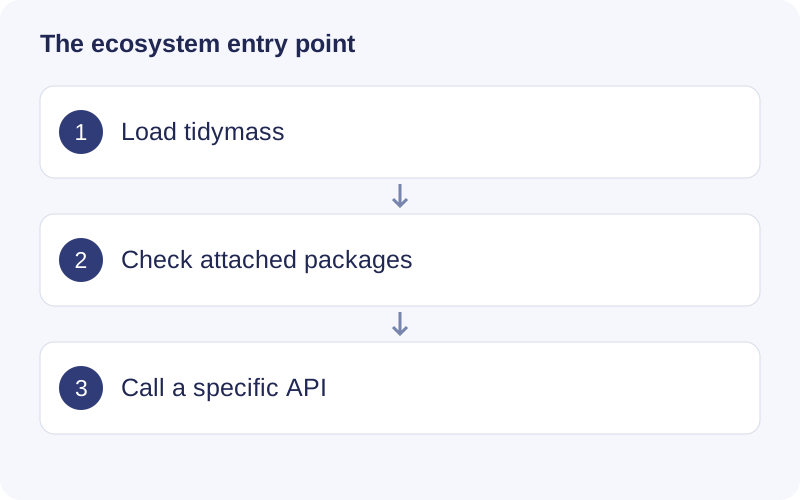
Use the startup messages to see which packages are attached. If two packages provide the same function name, use package::function to make the intended implementation explicit. Keep specialist packages available even when they are not attached by the umbrella package.
Functional scope
Package discovery; conflict reporting; version checks; coordinated updates.
Example
library(tidymass)
tidymass::tidymass_packages()
tidymass::tidymass_conflicts()
packageVersion("tidymass")
sessionInfo()
# Run deliberately when checking/updating the environment:
# tidymass::check_tidymass_version(packages = "all")
# tidymass::update_tidymass(packages = "all", from = "github")
Find a function
The checked source exports the following APIs, including compatibility interfaces and utilities. Consult the installed version with help("function_name", package = "tidymass") for argument details.
Show exported functions
check_tidymass_version, tidymass_conflicts, tidymass_logo, tidymass_packages, update_tidymass
Package source and reference documentation · Complete workflow