Process and analyze LC-MS data locally with TidyMass Desktop. Start with installation, inputs and the complete workflow, then consult the individual tool guides.
Windows x64 0.1.63 — Preview; updated September 23, 2026. Platform versions are documented separately: newer features on another platform do not imply availability here.
- Installation and quick start
- Input data and sample information
- Complete untargeted workflow
- Tasks, reruns and version differences
- Feature review and interactive plots
- Individual analysis tools
- Shiny tools and the R environment
- Export, save and recover
- Troubleshooting
Visual guide: the route through this chapter
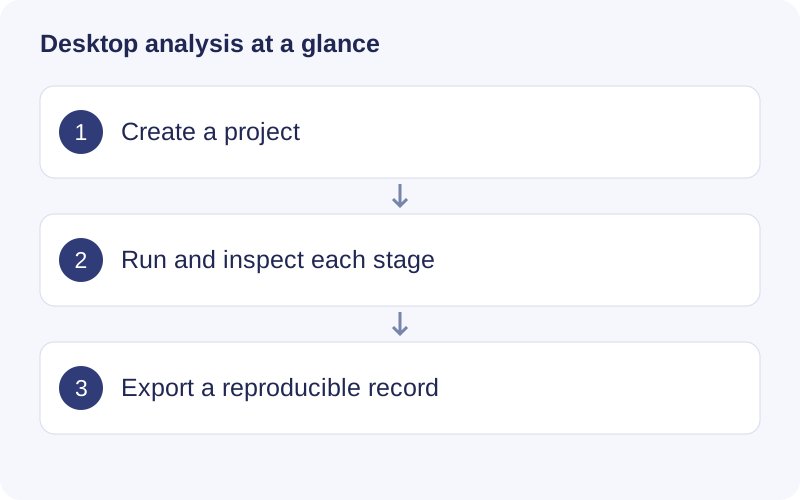
Use Workflows for a complete analysis and Analysis tools for one independent task. A project stores runs and their outputs. Start with a small representative dataset to learn the interface, then use a separate project for the full study.
Walkthrough: Read a saved workflow result
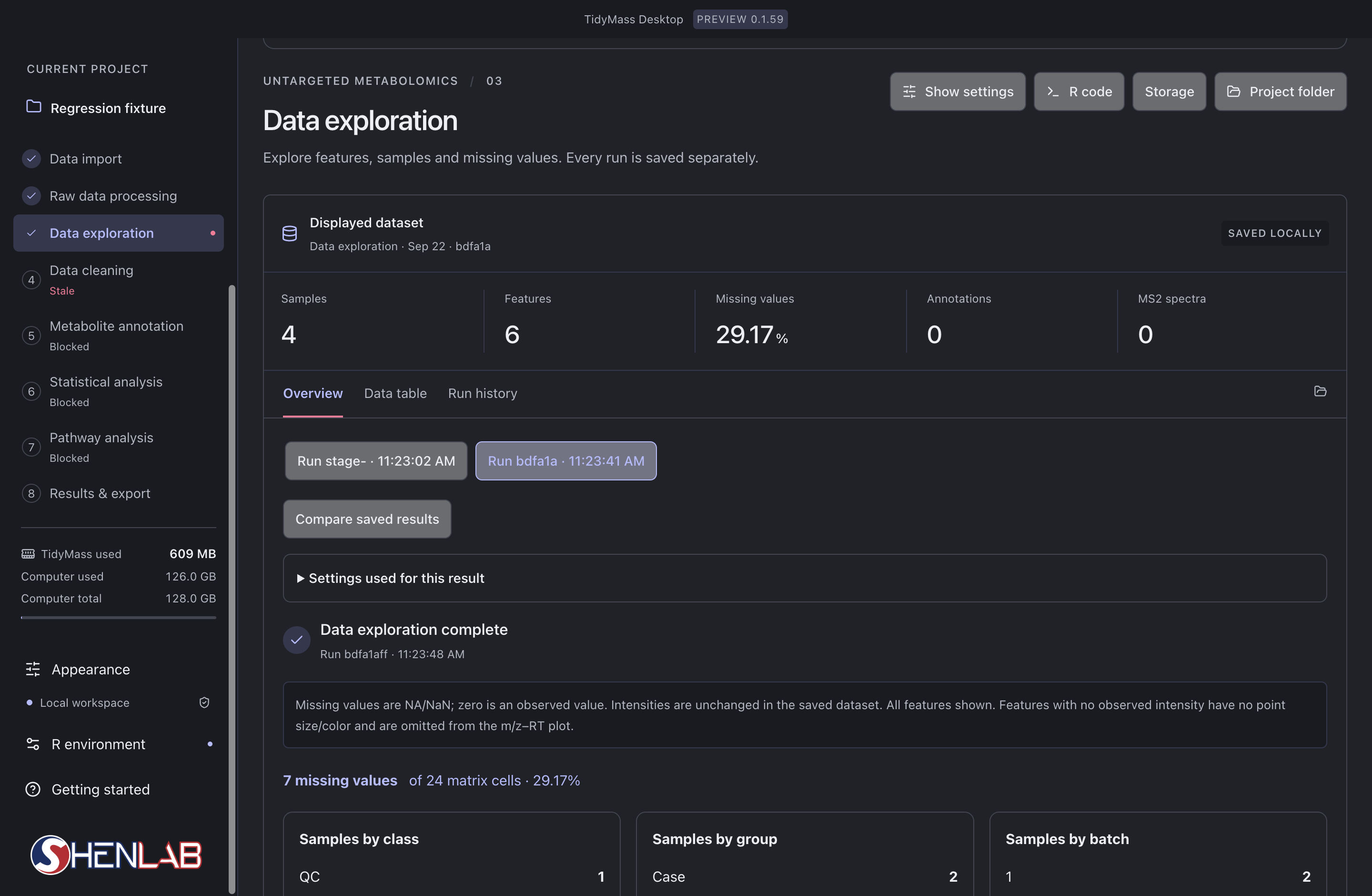
- Read the left-hand stage list first. The selected stage is Data exploration; Data cleaning is marked Stale because its upstream input changed. Blocked stages still lack an eligible input.
- In Displayed dataset, check the run identifier, Samples, Features and Missing values. Here 7 of 24 cells are missing, giving 29.17%; this is a matrix-cell percentage, not the percentage of completely missing samples.
- Select a saved run and expand Settings used for this result. Compare saved results only after checking that their input and parameters answer the same question.
- After checking the result, rerun stale dependent stages in order. If a stage fails, inspect its first error before changing parameters or repeating the task.