Tutorial contents · Applies to: 0.1.63
Visual guide: the route through this chapter
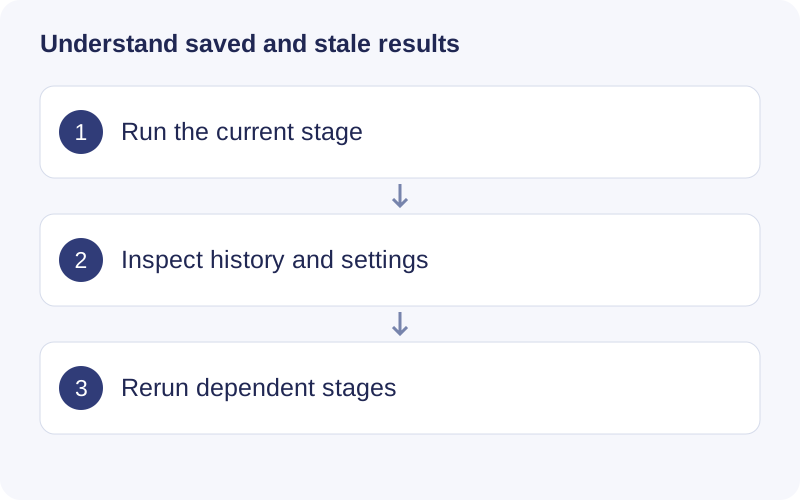
Wait for the current R task to finish before submitting a new one. Read the saved run settings when comparing two results. After a successful upstream rerun, follow the workflow order through stale downstream steps; a previous result remaining visible does not make it current.
Monitor and cancel
Inspect the running operation and its logs. To stop it, use the interface’s cancellation button and wait for the status update. Do not delete project files to stop computation. Reducing worker count can reduce parallel memory requirements.
Check parameters on a small dataset
Create a separate test project with representative QCs and study samples. Inspect tolerances, peak width and peak shapes there. Then import all samples into the formal project and run with the reviewed settings. Preserve both parameter records; test-project results are not the complete dataset.
Continue from saved steps
Reopen a project and continue from the first unfinished step with satisfied prerequisites. A successful upstream rerun makes affected downstream results stale. Rerun those stages; Run history retains previous records. Canceled peak detection must be started again, without scan-level resume.
Differences from macOS 0.1.65
Windows 0.1.63 does not include the newer Parameter trial, Task center, Workflow templates, resizable plot/table workspace or Basic / Quality / Annotation column views. Follow this Windows guide for the shared analysis steps. After upgrading, use the documentation matching the actual installed version.
Walkthrough: Read a saved workflow result
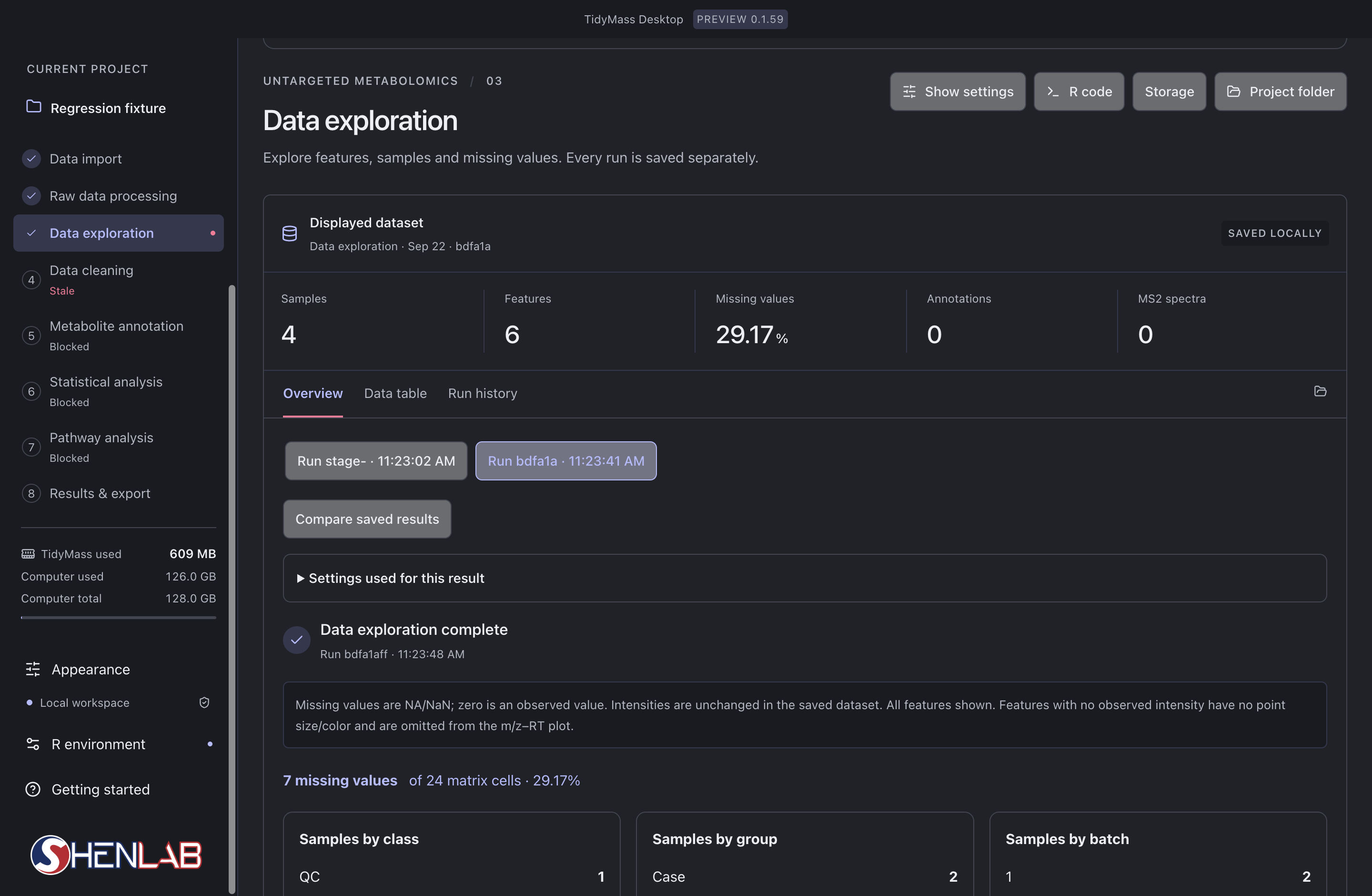
- Read the left-hand stage list first. The selected stage is Data exploration; Data cleaning is marked Stale because its upstream input changed. Blocked stages still lack an eligible input.
- In Displayed dataset, check the run identifier, Samples, Features and Missing values. Here 7 of 24 cells are missing, giving 29.17%; this is a matrix-cell percentage, not the percentage of completely missing samples.
- Select a saved run and expand Settings used for this result. Compare saved results only after checking that their input and parameters answer the same question.
- After checking the result, rerun stale dependent stages in order. If a stage fails, inspect its first error before changing parameters or repeating the task.