Tutorial contents · Applies to: 0.1.63
Visual guide: the route through this chapter
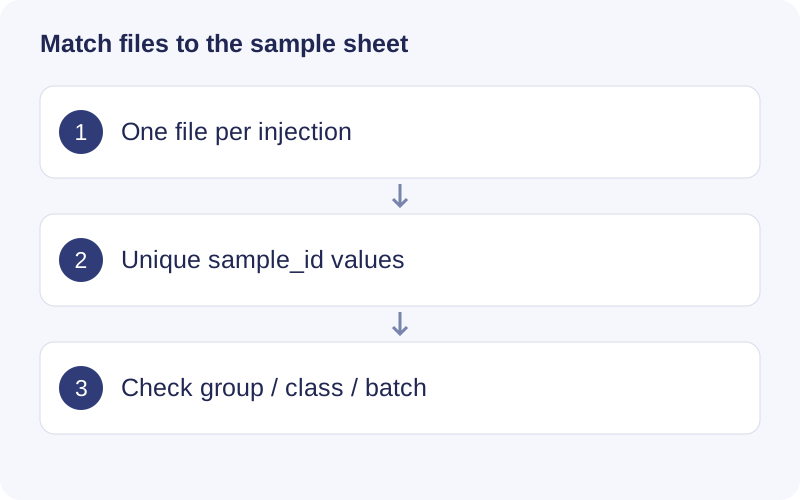
Make a list of raw file basenames and compare it with sample_id. Resolve duplicates, missing files and unexpected files first. Set biological groups independently of class: QC and Blank describe sample roles, while Control and Treatment describe the comparison.
Raw files
The untargeted workflow and Raw chromatograms read mzML / mzXML. Convert proprietary vendor files with a suitable instrument-compatible converter first. Process positive and negative ion modes as separate projects. Keep each file’s basename unique, including across subfolders; do not distinguish samples only by letter case.
The project records the file locations. Keep raw files available and unchanged while analyzing: later EIC and spectrum inspection can need them.
Sample information
Raw import accepts CSV, TSV and Excel sample information. For example:
sample_id,group,class,batch,injection.order,subject_id
S001,Control,Subject,B1,1,P01
S002,Treatment,Subject,B1,2,P02
QC001,QC,QC,B1,3,
Blank001,Blank,Blank,B1,4,
This example illustrates the format, not an adequate experimental design.
| Column | Meaning |
|---|---|
| sample_id | Exact filename without extension: S001.mzXML becomes S001 |
| group | Biological comparison group; select its actual name under Group column |
| class | Sample purpose, normally Subject, QC or Blank |
| batch | Analytical batch |
| injection.order | Actual acquisition order for drift assessment |
| subject_id | Subject identifier when a paired comparison is needed |
Include every selected raw file exactly once. Preserve case and leading zeros as text. Do not use spreadsheet row numbers as identifiers. Fill in class explicitly; a pooled sample used only to collect MS2 is not automatically suitable as a quantitative QC.
Existing peak tables
Use Dataset builder & converter to construct a mass_dataset for individual analysis tools. A wide peak table can look like this:
variable_id,mz,rt,S001,S002
F001,100.1234,60,1000,1200
F002,200.2345,120,500,NA
Each feature ID must be unique; intensity columns must match the sample information. RT is in seconds in this example: match the import unit selector. NA is missing; zero remains a numeric observation. Preserve the source and evidence of any annotation columns.
MS2 and input checks
Attach MS2 using a supported import, builder or annotation entry. Association with a feature depends on precursor m/z and RT, and does not establish a unique structure. Use Sample & file checker to detect duplicates, missing files and unexpected files before a large run. RDS/RData imports must contain the supported object type, such as a single mass_dataset.
Walkthrough: Understand feature rows and sample columns
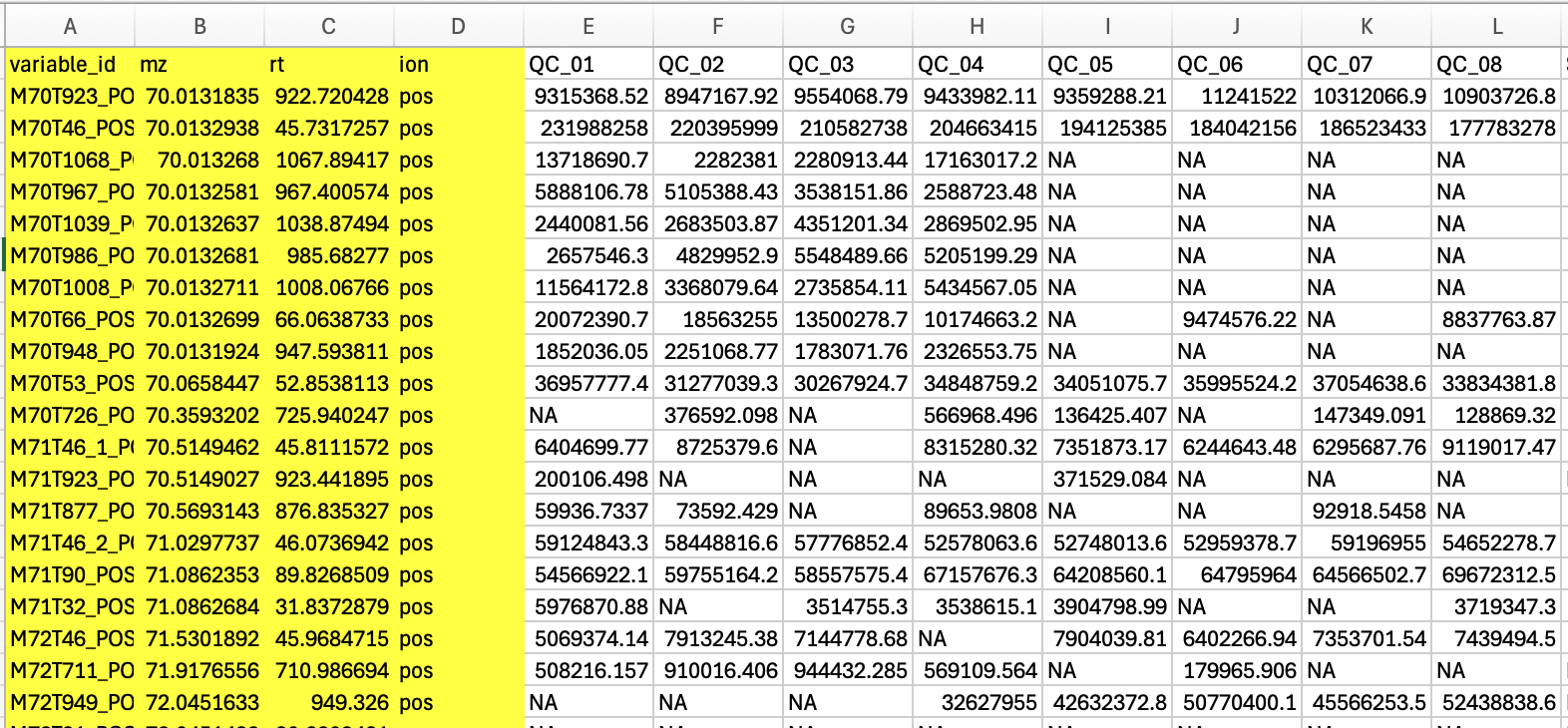
- Each row is a feature with its own ID, m/z and RT. Sample columns contain intensities.
- For the desktop peak-table route, follow the required fields in the template; ion handling differs from the Shiny importer. Do not paste metadata columns into the intensity matrix.
- Match each intensity column to one sample-sheet row and inspect missing values before importing.