Version checked for this guide: 1.0.11 · 2026-09-23
Start with converted mzML/mzXML files in a dedicated processing directory, normally grouped into sample-type subdirectories such as QC and Subject. Run positive and negative modes separately. process_data() performs raw-data processing and writes outputs under Result.
Set ppm from instrument performance, peakwidth in seconds from chromatography, and signal/noise, prefilter and noise using representative files. bw and min_fraction affect across-sample grouping. fill_peaks controls chromatographic gap filling, not statistical imputation. Reduce threads when memory is limiting.
Review TIC/BPC, RT correction, the peak table and extracted EICs. Preserve intermediate files if later inspection requires them. The parameter values below are an example, not a validated method for your instrument. Inspect output files after the call; do not assume its return value is the final dataset.
Visual guide: the route through this chapter
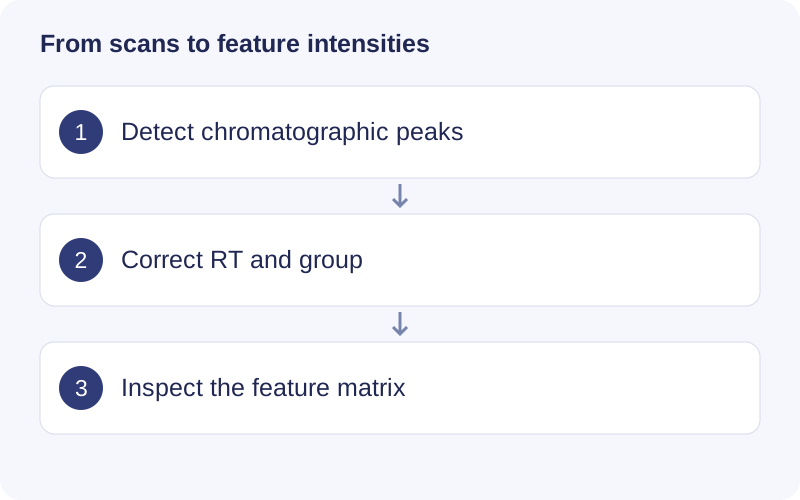
Begin with representative files spanning your batches. Adjust ppm to mass accuracy and peakwidth to observed peak duration. After processing, inspect EIC shapes and RT alignment, then check sample and feature counts. More detected rows alone do not establish better parameters.
Functional scope
Raw processing; EIC extraction; chromatogram visualization; adjusted-RT visualization; targeted-table validation.
Example
# Requires your converted files under analysis/MS1/.
# massprocesser::process_data(
#   path = "analysis/MS1", polarity = "positive",
#   ppm = 15, peakwidth = c(5, 30), snthresh = 10,
#   threads = 2, min_fraction = 0.5, fill_peaks = FALSE,
#   output_tic = TRUE, output_bpc = TRUE
# )
help("process_data", package = "massprocesser")
Find a function
The checked source exports the following APIs, including compatibility interfaces and utilities. Consult the installed version with help("function_name", package = "massprocesser") for argument details.
Show exported functions
check_targeted_table, extract_eic, get_massprocesser_version, massprocesser_conflicts, massprocesser_logo, massprocesser_packages, plot_adjusted_rt, plot_chromatogram, process_data
Package source and reference documentation · Complete workflow