Version checked for this guide: 1.0.3 · 2026-09-23
Use massconverter to configure a ProteoWizard/msconvert conversion workflow and convert vendor files into open formats. It is separate from chromatographic peak detection. Successful conversion depends on the vendor reader, platform, container and access to the source directory.
Choose mzML/mzXML, centroiding method, polarity and MS levels deliberately. Preserve MS2 when later annotation needs it. Keep the original acquisition files. First convert one file, then inspect scan counts, RT range, polarity and TIC before batching. Vendor centroiding is only available where the reader supports it; a container does not make every vendor format universally compatible.
The example builds a parameter object; the commented call performs file conversion after you configure Docker/ProteoWizard and replace paths.
Visual guide: the route through this chapter
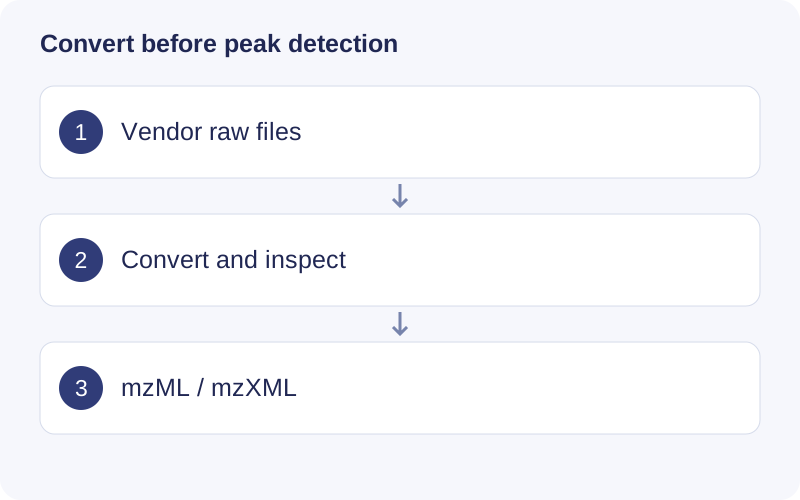
Work on a copy of the raw files. After conversion, open a representative file and verify polarity, scan count, retention-time range and MS levels. A file extension change is not a conversion; peak detection starts only after readable mass-spectrometry data exist.
Functional scope
Conversion parameter creation and validation; command generation; container preparation; batch file conversion.
Example
parameter <- massconverter::create_msconvert_parameter(
  output_format = "mzML",
  peak_picking_algorithm = "vendor",
  subset_polarity = "positive",
  subset_mslevels = c(1, NA)
)
parameter
# massconverter::convert_raw_data(
#   input_path = "vendor_raw", output_path = "converted",
#   msconvert_parameter = parameter
# )
Find a function
The checked source exports the following APIs, including compatibility interfaces and utilities. Consult the installed version with help("function_name", package = "massconverter") for argument details.
Show exported functions
check_msconvert_parameter, convert_raw_data, create_msconvert_parameter, docker_pull_pwiz, from_msconvert_parameter_to_code, get_massconverter_version, get_run_code, massconverter_logo, massconverter_packages
Package source and reference documentation · Complete workflow