Based on the current published tutorial and the public tidymassshiny 1.0.0 source; checked September 23, 2026.
Visual guide: the route through this chapter
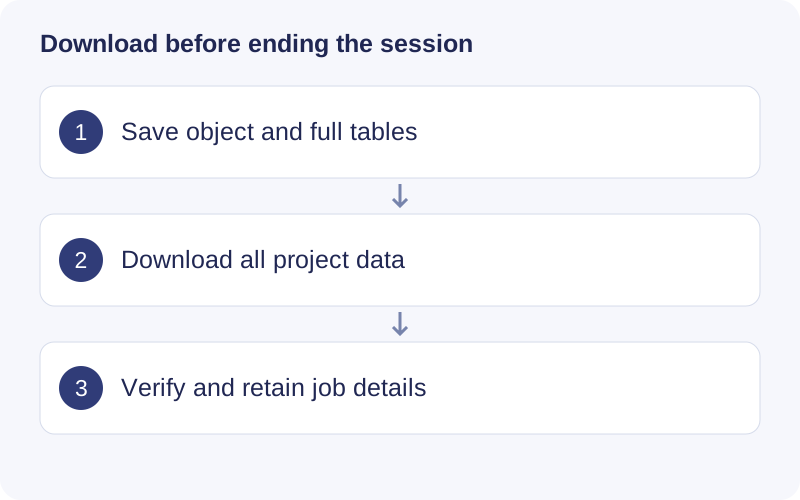
A success message confirms that one operation finished; it does not mean files are saved on your computer. Download the object and full results, inspect the archive, and retain the JOB ID and settings. Resolve the first error in the relevant module if an expected file is absent.
Save a complete analysis
Keep the initialized sample sheet, raw-file references, intermediate mass_dataset objects, cleaned and annotated objects, complete statistical/enrichment tables, figures and parameters. For local use, inspect the output directories reported by the app. For hosted use, record the JOB ID and Download All Data before the service retention window expires. Confirm the archive opens and contains the results you intended to keep.
When reopening compatible objects or fMSEA results, confirm which steps they represent. Changing a parameter does not retroactively regenerate a saved result. Preserve software/package versions and database provenance alongside the outputs.
Troubleshooting
| Problem | Action |
|---|---|
| Folder picker cannot see my computer | A remote R process sees its server filesystem; use upload or run locally |
| Docker cannot find data | Check host-folder permissions and container mount; select the container path |
| Table sample mismatch | Compare exact IDs against the initialized sample sheet; remove non-intensity columns |
| Incorrect polarity or RT | Map the ion column and set minutes/seconds explicitly |
| Missing R package | Install from the correct source, inspect the first error and restart the app |
| Raw processing takes a long time | Inspect progress/logs, reduce threads if memory is limiting; avoid repeated Start clicks |
| No MS2 candidates | Check polarity, precursor/RT association, database type and matching tolerances |
| No enrichment results | Check ID mapping, organism, selection and background; an empty result can be valid |
| LLM evaluation fails | Verify the optional provider configuration; preserve the statistical results independently |
| A plot looks different after reloading | Confirm the saved object, selected sample groups and plotting settings |
For a report, include app/package versions, local/Docker/hosted deployment, module, steps to reproduce, logs and a de-identified input example. Do not share API keys or private sample identifiers.
Original tutorial and screenshots
Walkthrough: Save results after a successful step
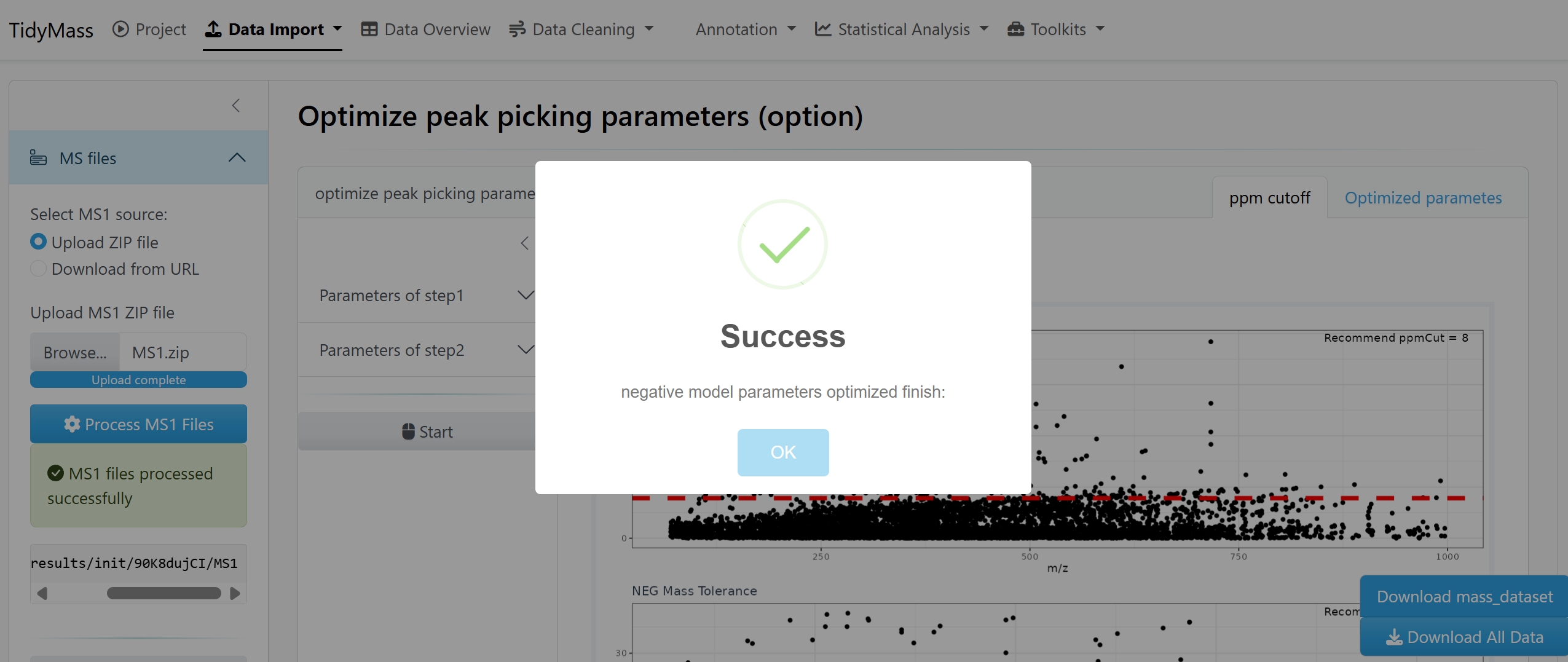
- Dismiss Success and check which operation completed. In this historical image the message concerns negative-mode parameter optimization, not an entire study.
- Use Download mass_dataset for the object and Download All Data for the broader result bundle where provided.
- Open the downloads and confirm expected files are present. Record the JOB ID and current service retention notice before leaving the hosted session.