Tutorial contents · Applies to: 0.1.65
Open Analysis tools, then Open tool on the relevant card. Some tools create their own projects; others save outputs from their dedicated page.
| Tool | Purpose |
|---|---|
| Sample & file checker | Compare sample records and raw filenames |
| Injection sequence designer | Randomize samples, allocate batches and insert QC/Blank injections |
| Raw chromatograms | Inspect TIC, BPC, EIC and scan spectra |
| Raw data processing | Run peak detection and alignment separately |
| Dataset builder & converter | Construct or convert a dataset from tables |
| Data exploration | Inspect an existing dataset |
| Data cleaning | Filter, impute, normalize and handle batches |
| Metabolite annotation | Annotate features or individual queries |
| Pathway analysis | Analyze eligible compound IDs |
| QC report | Report sample and feature quality |
| Targeted peak extractor | Integrate predefined m/z–RT targets |
Visual guide: the route through this chapter
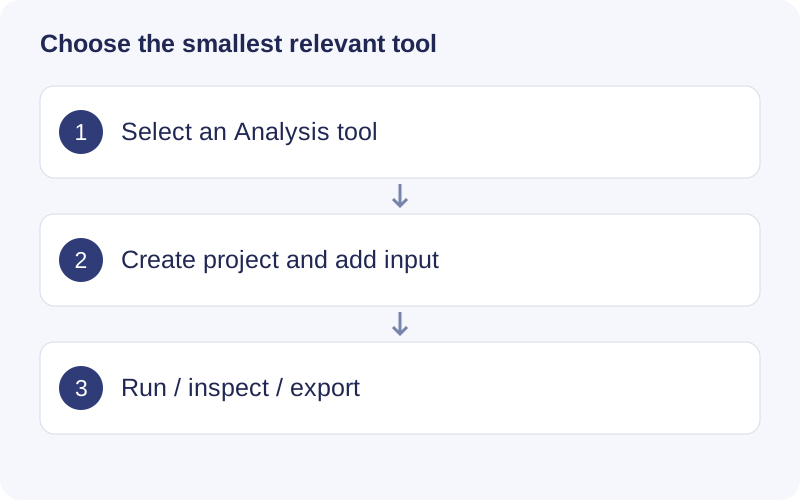
Read the tool card before opening it. For raw chromatograms supply raw files; for quality reports supply a compatible dataset. A standalone tool does not automatically rerun the full workflow. Check its own input, parameters and output directory.
Sample & file checker
Supply a sample CSV and raw folder; select the matching column. Use sample_id for a typical sample sheet, or unique file_name for an injection list with repeated QCs. Matching strips extensions and is case-sensitive. The checker recognizes mzML, mzXML and Thermo RAW filenames; recognition does not mean it can read or convert Thermo spectra. Resolve missing, duplicate and unexpected entries before analysis.
Injection sequence designer
Import a CSV with at least sample_id; optional columns include group, position or vial_position. Set batch count, randomization and seed. Configure Conditioning QC, Pooled QC, Blank, RTQC and MS2 QC as needed, inspect batch counts, then export a running list/metadata or save the plan as JSON.
Randomization shuffles all study samples before splitting batches; it is not a stratified group-balancing design. Repeated injections need unique filenames. Exported metadata uses injection filenames as sample_id while retaining original identifiers. The export is a generic plan: compare its columns, methods, vial positions and volumes with the actual instrument sequence template before instrument use.
Raw chromatograms
Select mzML/mzXML files and MS level; click Read TIC / BPC. Choose a trace, hover for RT, or click a chromatographic position to inspect its scan and sample. After reading files, enter a target ion m/z, tolerance and unit to extract an EIC.
Enter ion m/z, not neutral molecular mass. An MS2-level EIC tracks fragment intensity in the selected MS2 scans and is not automatically a precursor-specific transition.
QC report
Import a mass_dataset RDS/RData and set QC RSD, missingness and Sample / Blank thresholds. The report evaluates and flags features; it does not delete them. Intensity across injection order is a sum of the input matrix intensities, not raw-scan TIC. Prior normalization and imputation change its interpretation.
Targeted peak extractor
Prepare a target CSV such as:
target_id,mz,rt
Target_A,195.0877,180
Target_B,300.1234,240
RT is in seconds. Choose raw files, m/z tolerance and a fixed RT integration window, then run and inspect peak shapes. The current method sums MS1 signal within the tolerance and integrates by the trapezoidal rule. It does not identify compounds or automatically separate coeluting peaks. Check the preview and export scope before interpreting areas.
Walkthrough: Choose an independent tool
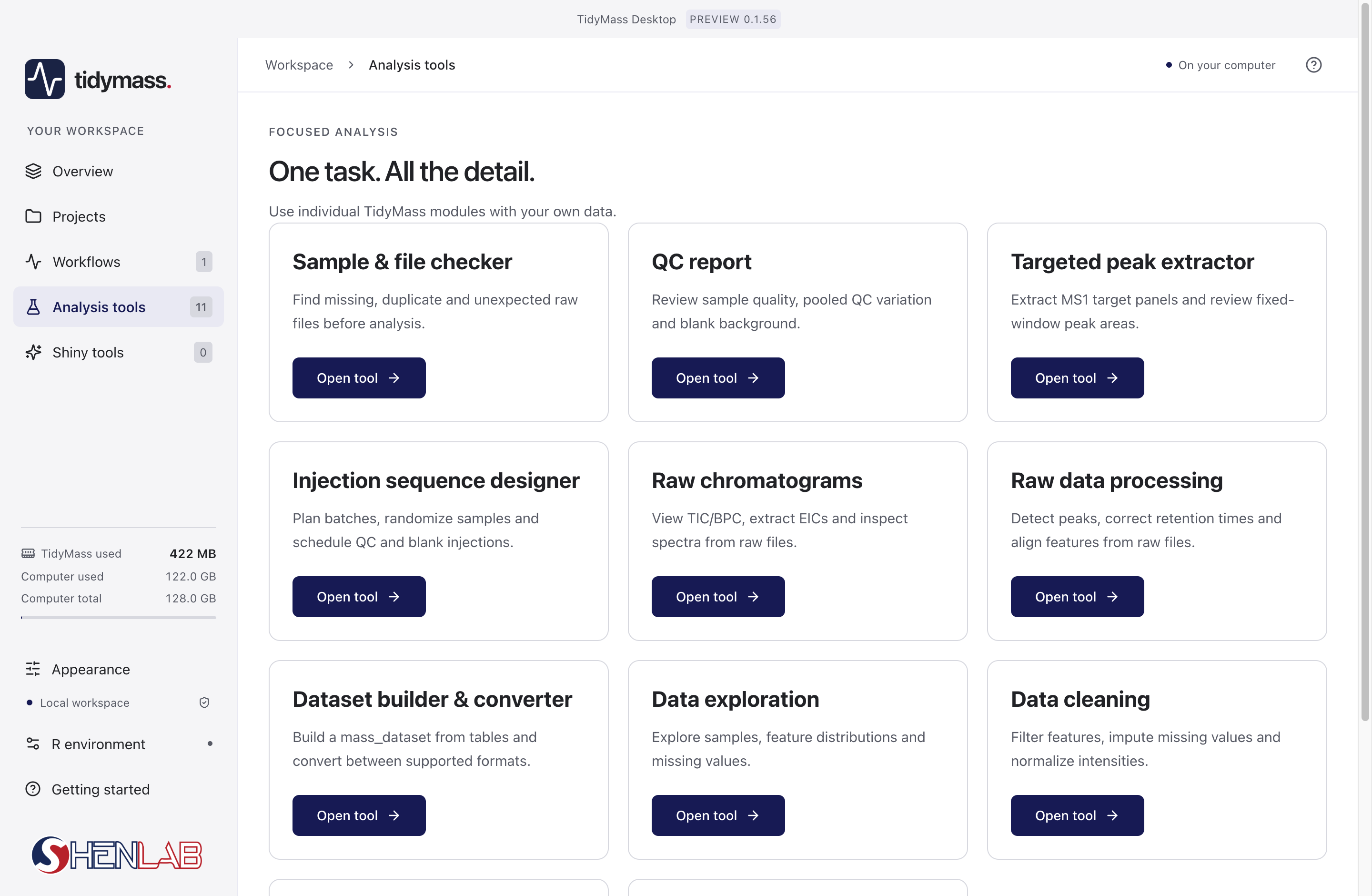
- Open Analysis tools in the left navigation, then read the card title and input description.
- Use Sample & file checker before processing to investigate unmatched files. Use Raw chromatograms to inspect acquisition signals without first completing a full feature workflow.
- Click Open tool on the intended card and create its project. Provide its required files or dataset, inspect settings, then run.
- For Targeted peak extractor, inspect the requested m/z and RT windows plus the extracted EIC. A fixed-window integral is not automatically a validated quantitative assay.